
🚀 "AI Image Generation Made Easy: Create Stunning Art in Minutes!"
"Create mind-blowing AI art in minutes — no skills needed! 🎨 Learn how to turn simple words into stunning images with this easy step-by-step guide!"
3/18/20252 min read
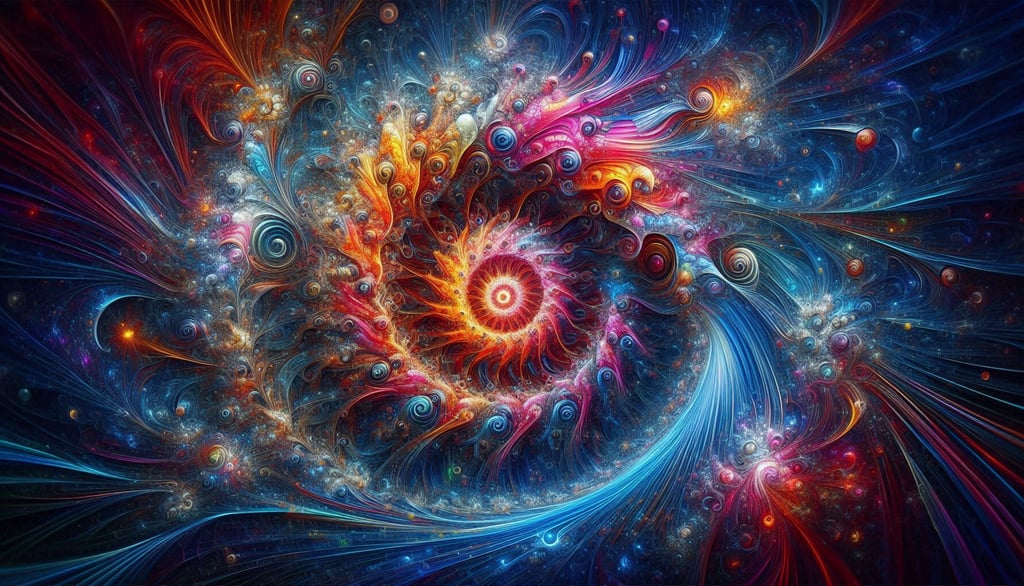
AI Image Generation: A Step-by-Step Guide to Creating Stunning Visuals
Create amazing AI art in minutes — even if you’re a complete beginner!
🌈 What is AI Image Generation?
AI image generation is when a computer creates pictures from words! You type a description (called a prompt), and the AI creates a picture based on what you wrote. Cool, right? 😎
You’ve probably seen amazing AI art online. Guess what? You can make your own — and it’s easier than you think!
🚀 Why AI Image Generation is Awesome
✅ No drawing skills needed
✅ Create art in seconds
✅ Perfect for social media, gifts, or just for fun
🖥️ Step-by-Step Guide to Generate AI Images
Follow these easy steps to create your own AI art:
Step 1: Choose an AI Tool
There are several AI image generators you can try. Here are the most popular ones:
👉 Midjourney – High-quality and detailed images
👉 DALL-E 3 – Made by OpenAI, great for creative and realistic images
👉 Stable Diffusion – Free and very customizable
👉Adobe Firefly – Generate and style images easily within Adobe’s creative tools. 👉 https://www.adobe.com/firefly
👉Runway ML – Create AI images and edit videos effortlessly. 👉 https://runwayml.com
Tip: Start with DALL-E 3 if you’re new — it’s super beginner-friendly! 😄
Step 2: Sign Up or Log In
Go to the website of the AI tool you chose.
Create an account (just your email and password).
Log in — you’re ready to start!
💡 Example: For DALL-E 3, go to chat.openai.com and log in.
Step 3: Write a Prompt
A prompt is what you tell the AI to create. Be clear and detailed!
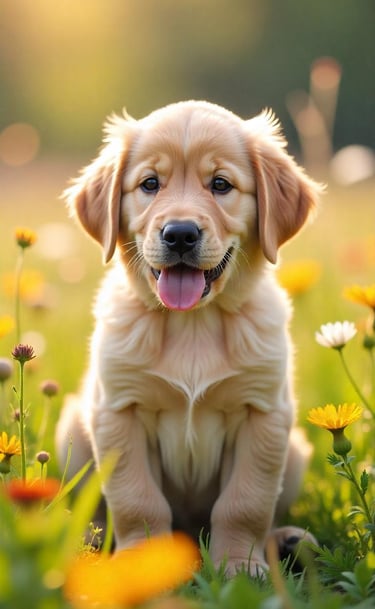
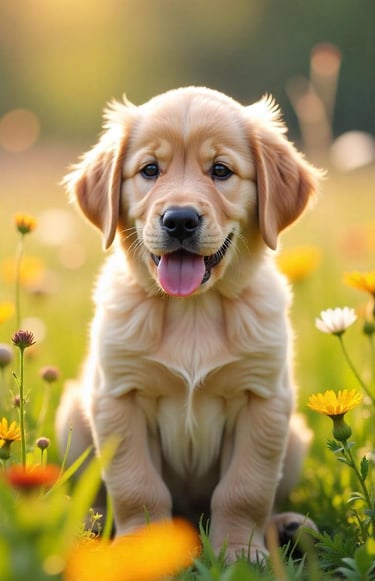
✅ Good Prompt: "A cute golden retriever puppy sitting in a field of colorful flowers, bright sunlight, soft shadows."
❌ Bad Prompt: "Dog in a field."
🔥 Pro Tip: Include details like:
Colors 🎨
Lighting ☀️
Style (cartoon, realistic, painting)
Emotions (happy, calm)
Step 4: Generate the Image
Type your prompt into the AI tool.
Hit "Generate" (or a similar button).
Wait a few seconds — and boom! 🎉 Your AI masterpiece appears!
Step 5: Adjust and Improve
Not happy with the result?
🔄 Change your prompt slightly (add more details).
✂️ Crop or adjust the image using editing tools.
🎨 Try different styles (like "oil painting" or "anime").
Step 6: Save and Share
✅ Download the image to your computer or phone.
✅ Share it on social media — let the world see your AI art! 🌍❤️
✅ Tag your friends and ask for feedback.
🌟 Example Prompts to Try
👉 "A futuristic city at sunset, glowing neon lights, flying cars, detailed and cinematic style."
👉 "A cute baby panda sitting on a rainbow, cartoon style, soft colors, and happy expression."
👉 "An astronaut floating in space, Earth in the background, dark and moody lighting."
🎯 Tips for Better Results
✅ Be specific — more details = better images!
✅ Mention styles like "watercolor," "cyberpunk," or "realistic."
✅ Experiment with different prompts — it’s fun to see what happens!
🔥 Start Creating AI Art Today!
AI image generation is fun and easy — anyone can do it! Try it out, play with different prompts, and discover your inner artist. 🎨✨
Ready to create? Open DALL-E 3 or Midjourney and start now! 🚀
Prompt: "A cute golden retriever puppy sitting in a field of colorful flowers, bright sunlight, soft shadows, realistic style."
Prompt: "A futuristic city at sunset, glowing neon lights, flying cars, detailed and cinematic style."
Prompt: "A cute baby panda sitting on a rainbow, cartoon style, soft colors, and happy expression."
Resources
info@oneaibase.com
© 2024. All rights reserved.